Misfire
Heads up!
On the first launch, the game may stutter or drop FPS for a short time while it loads everything it needs. After that, performance should return to normal.
Thanks for your patience, and sorry about that! I'm currently working on improving it in future updates.
Anyway, I recommend playing the desktop version if you have Windows, since it has better performance.
about:
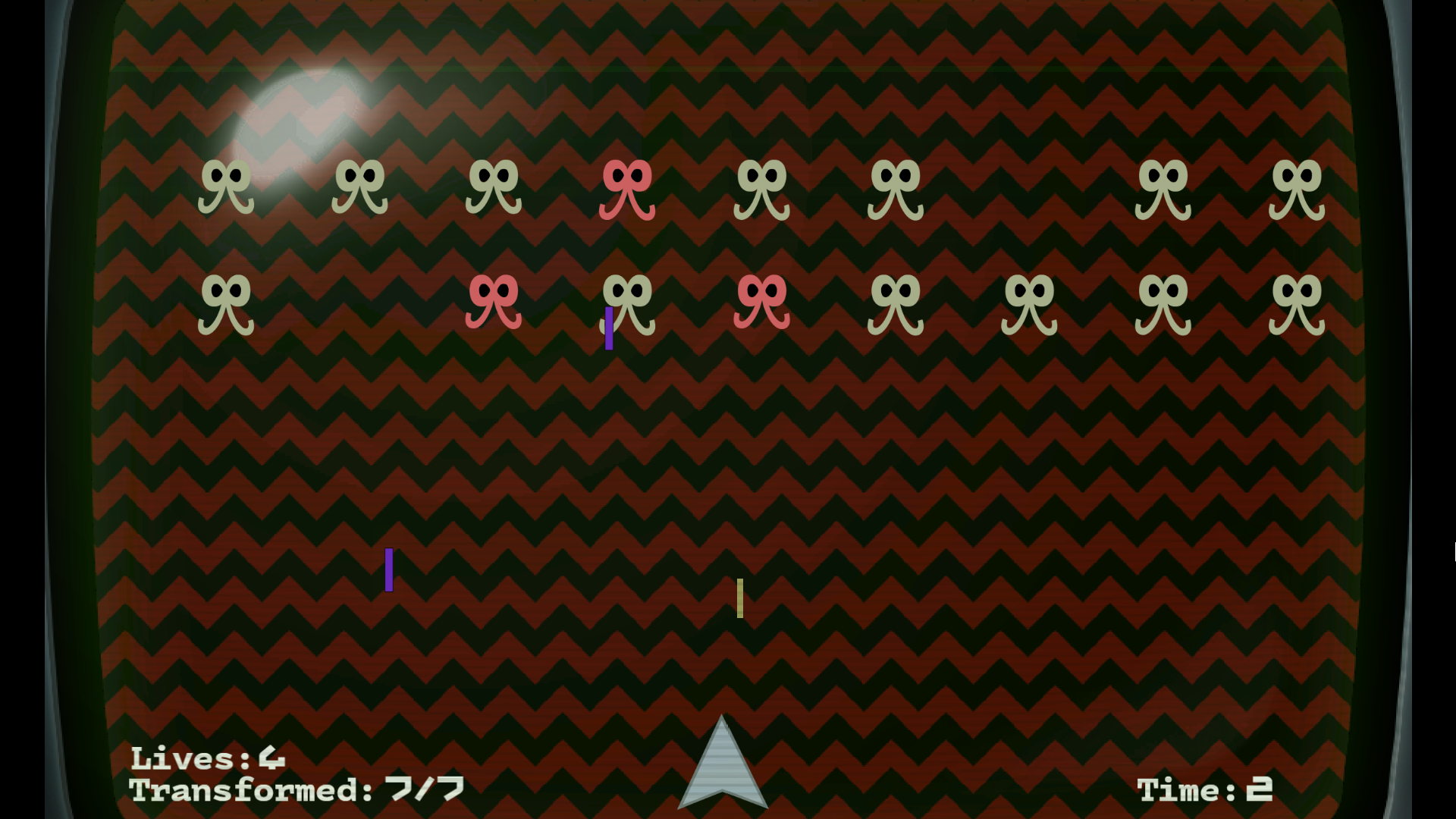
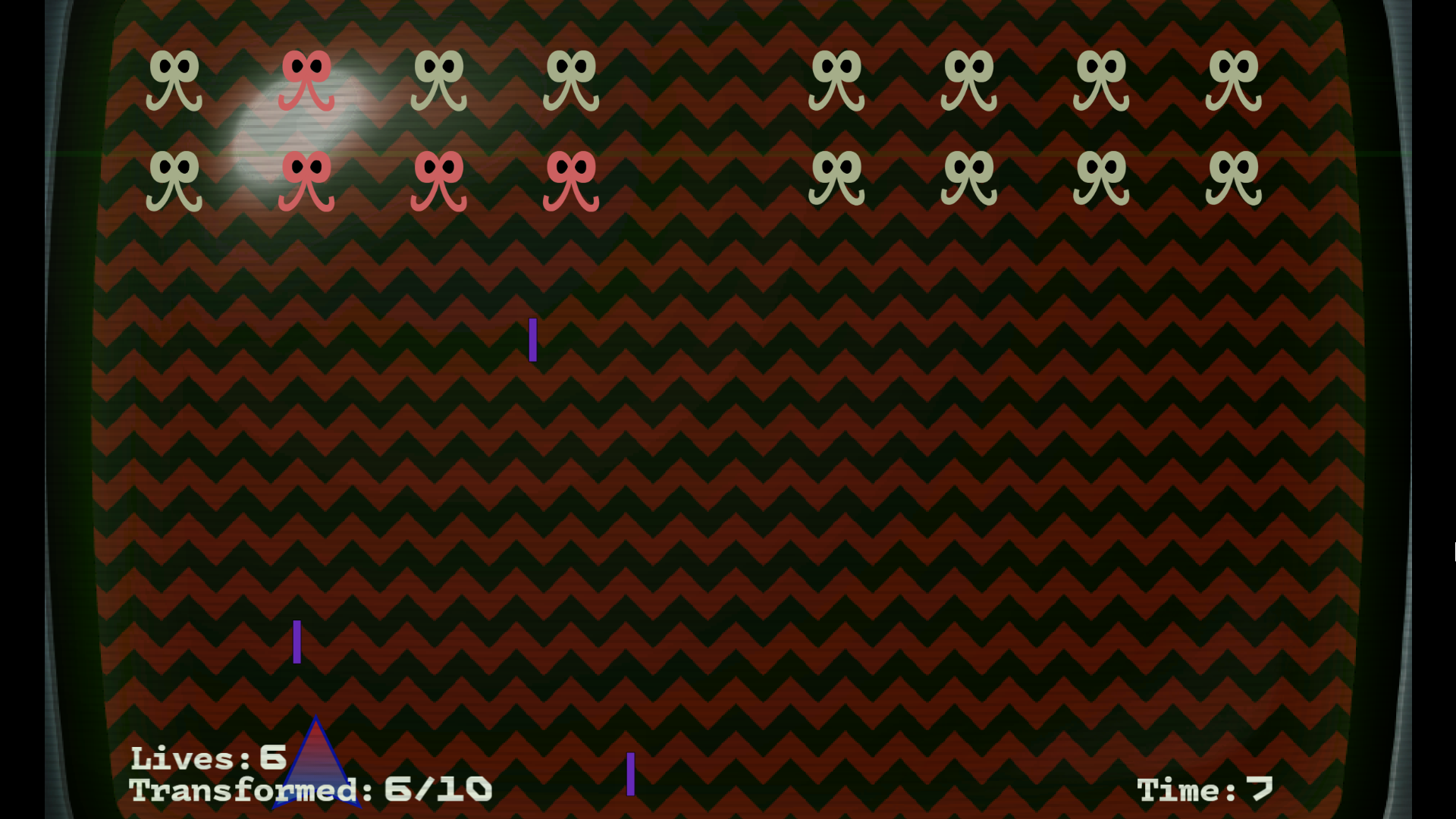
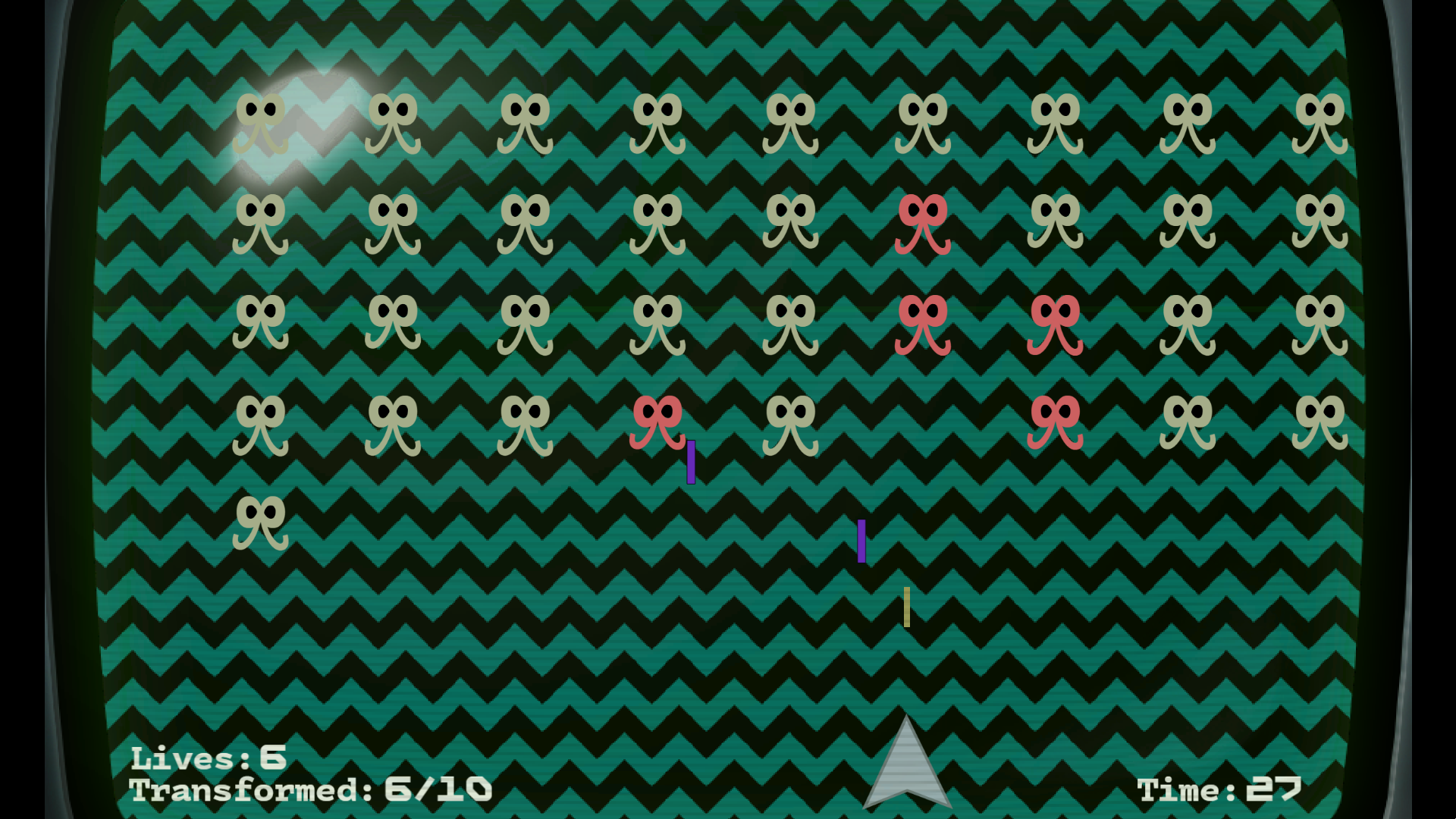
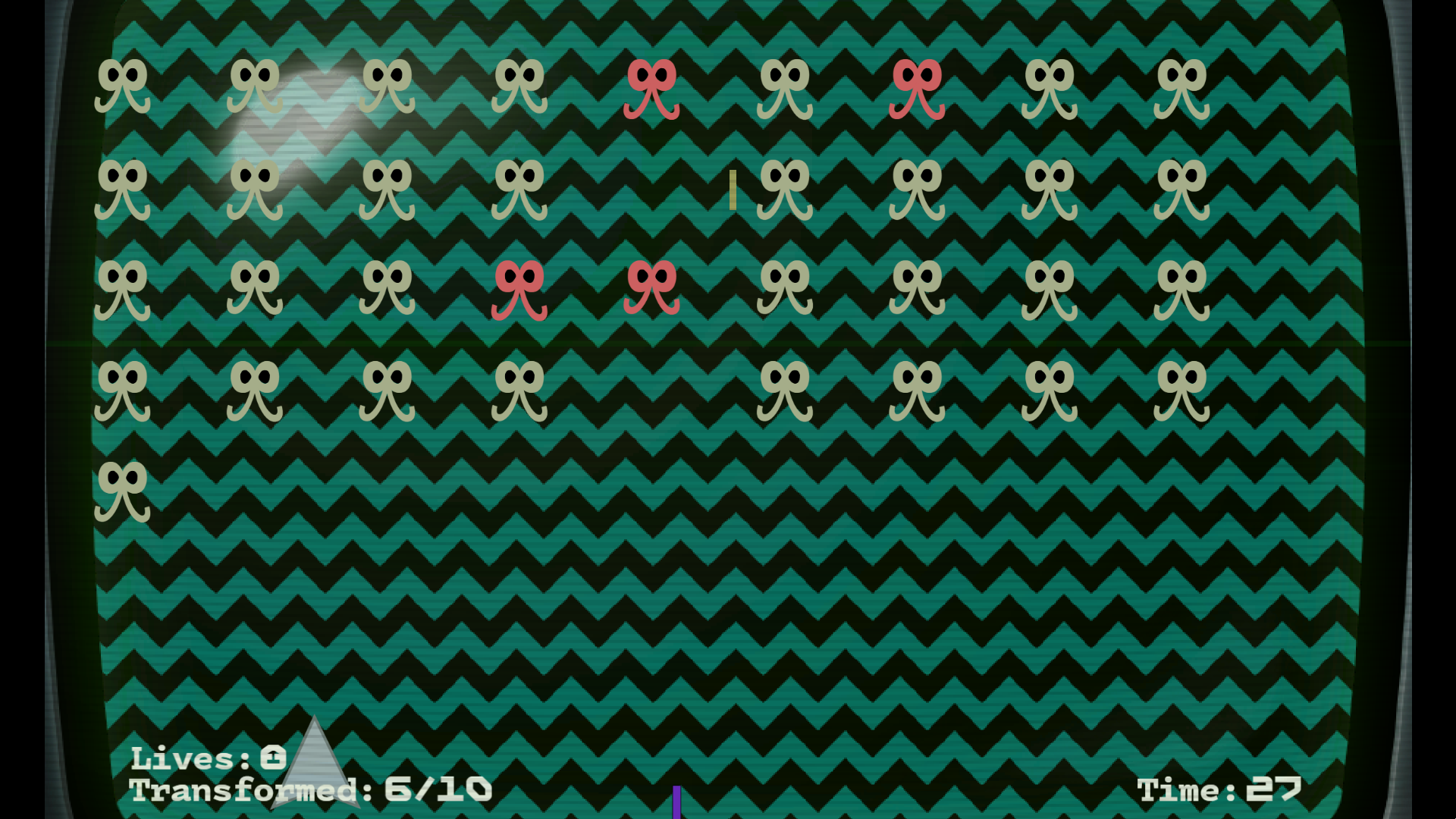
Every alien you shoot transforms into a more dangerous form. Shoot them again and they'll die, but every transformation makes survival harder. The more enemies you awaken, the more bullets you'll have to dodge.
What starts as a calm battlefield can quickly spiral into chaos. A single mistake might not matter, but a few careless shots can turn the screen into a storm of projectiles.
Survive until the timer runs out while balancing risk and reward. Do you leave enemies alone and play it safe, or do you transform them and deal with the consequences?
Inspired by classic arcade shooters, MISFIRE takes a familiar genre and flips one of its most basic rules on its head. Shooting isn't always the right answer.
Every decision matters. Every shot has consequences.
Think before you shoot.
How to Play
Move left and right using A/D or the Left/Right Arrow Keys. q key to go to the beginning
If you want to switch control schemes, press Shift + 7 to open the command console and type:
-
ad→ Use A and D keys -
arrow→ Use the Arrow Keys
Choose whichever control scheme feels most comfortable and survive until the timer runs out.
Custom Mode
Want to create your own challenge?
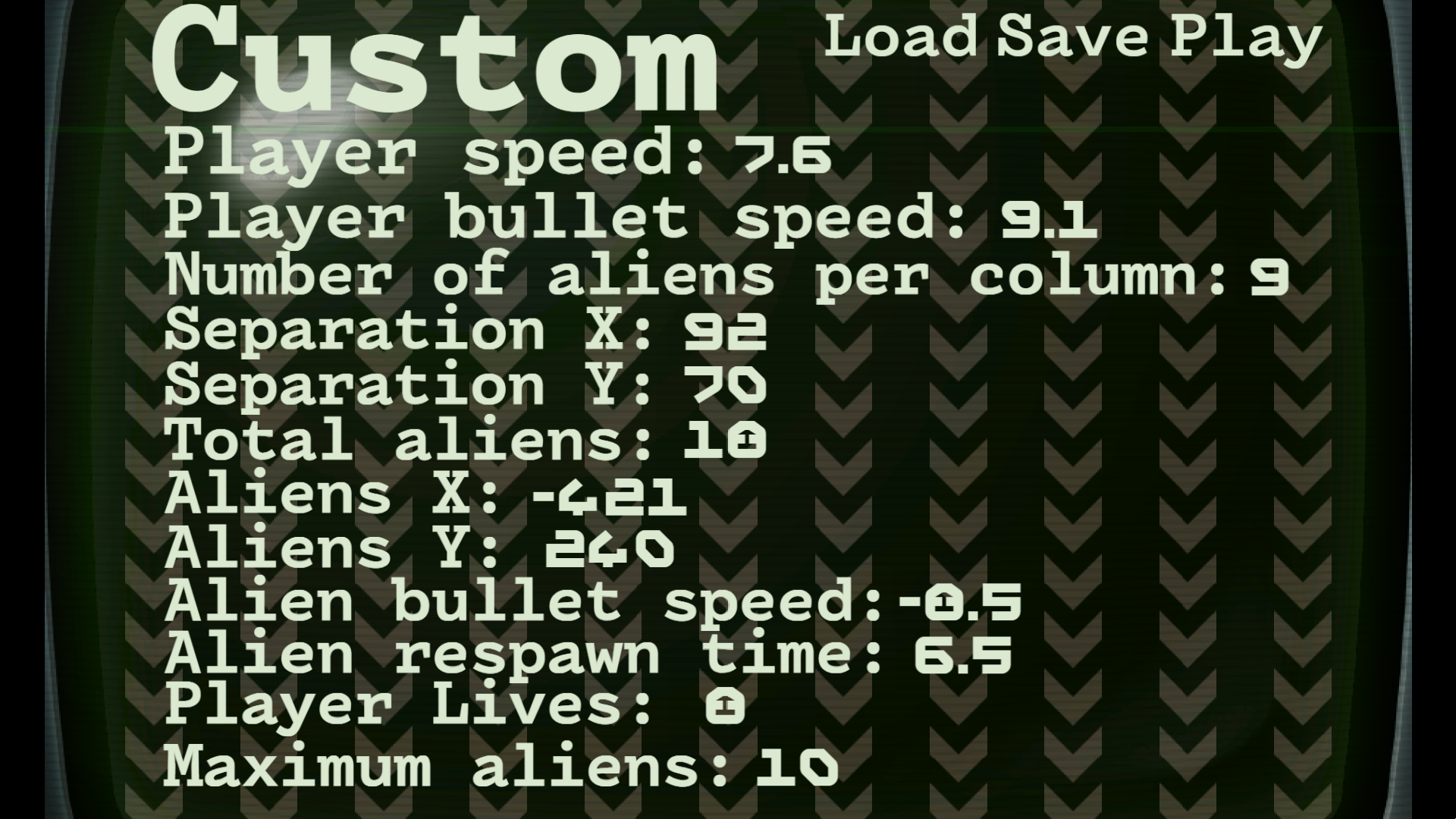
MISFIRE includes a Custom Mode that lets you customize a wide range of gameplay settings and create your own experience. Adjust the parameters however you like, whether you want a relaxed session, a brutal survival challenge, or something completely different.
To create a custom game:
- Go to Custom Mode.
- Adjust the settings to your liking.
- Click Save.
- Click Play.
Experiment with different combinations and see how long you can survive.
The function to load a custom configuration is only available in the desktop version.
Unlocking Custom Mode
Custom Mode is normally unlocked by progressing through the game.
If you don't want to complete the game first, you can unlock it manually:
- Press Shift + 7 to open the command console.
- Enter the following command:
var:".unlock custom"value:"1"
Open Source
MISFIRE is completely open source.
MISFIRE is licensed under the GNU General Public License v3.0 (GPLv3).
You are free to study, modify, and redistribute the game. If you distribute a modified version, you must also make the source code available under the same license.
You're free to explore the code, learn from it, modify it, and create your own versions of the game. Whether you want to tweak the gameplay, add new features, create new levels, or use parts of the project in your own experiments, you're welcome to do so.
The goal is to make the project accessible to everyone and encourage creativity within the community.
If you make something interesting with it, I'd love to see it!
GitHub repository: https://github.com/001studios/MISFIRE
Future Updates
MISFIRE is still actively being developed.
I plan to continue improving and polishing the game over time, as well as adding new content such as new alien types, additional game modes, gameplay improvements, balance changes, and other features.
Player feedback is a huge help during development. If you have any suggestions, ideas, or criticism, I'd be happy to read them. Your feedback can help shape future updates and make the game even better.
Download
Leave a comment
Log in with itch.io to leave a comment.